

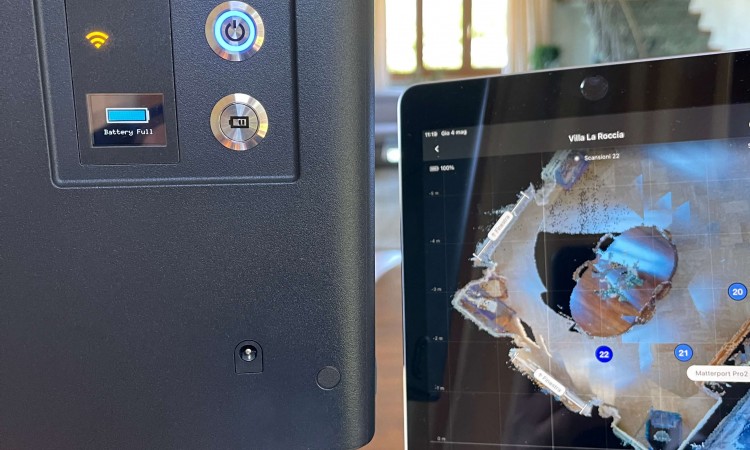
how matterport works
Matterport is a 3D modeling and panoramic photography platform that allows you to create virtual tours and three-dimensional models of building interiors. To measure a wall with Matterport, you need to follow these steps:
Acquiring the 3D model: First of all, you will need to create a 3D model of the room that includes the wall you want to measure. This is done using a Matterport camera, which captures spherical panoramic photos of the environment as the camera is moved through space.
Accessing the 3D model: Once you have acquired the 3D model of the desired environment, you can access it using the Matterport software or platform.
Wall Selection: Use the Matterport software to navigate within the 3D model and select the wall you wish to measure. Make sure you have a clear, full view of the wall.
Measurement: The Matterport platform offers a measurement tool that allows you to measure the distance between two points within your 3D model. You can use this tool to measure the height, width or length of the selected wall.
Viewing your measurements: Once your measurement is taken, the dimensions will be displayed within the Matterport software, allowing you to record the necessary information.
Exporting measurements: You can export measurements or 3D model data if you want to use them in other applications or documents.
Please note that measurements obtained with Matterport are approximate and may vary based on various factors, including the accuracy of the 3D scan. Therefore, it is important to use more traditional measuring tools to check the accuracy of dimensions, especially if precise measurements are needed for specific purposes such as architectural planning or renovations.
